




RoboForex: Trading Account Opening
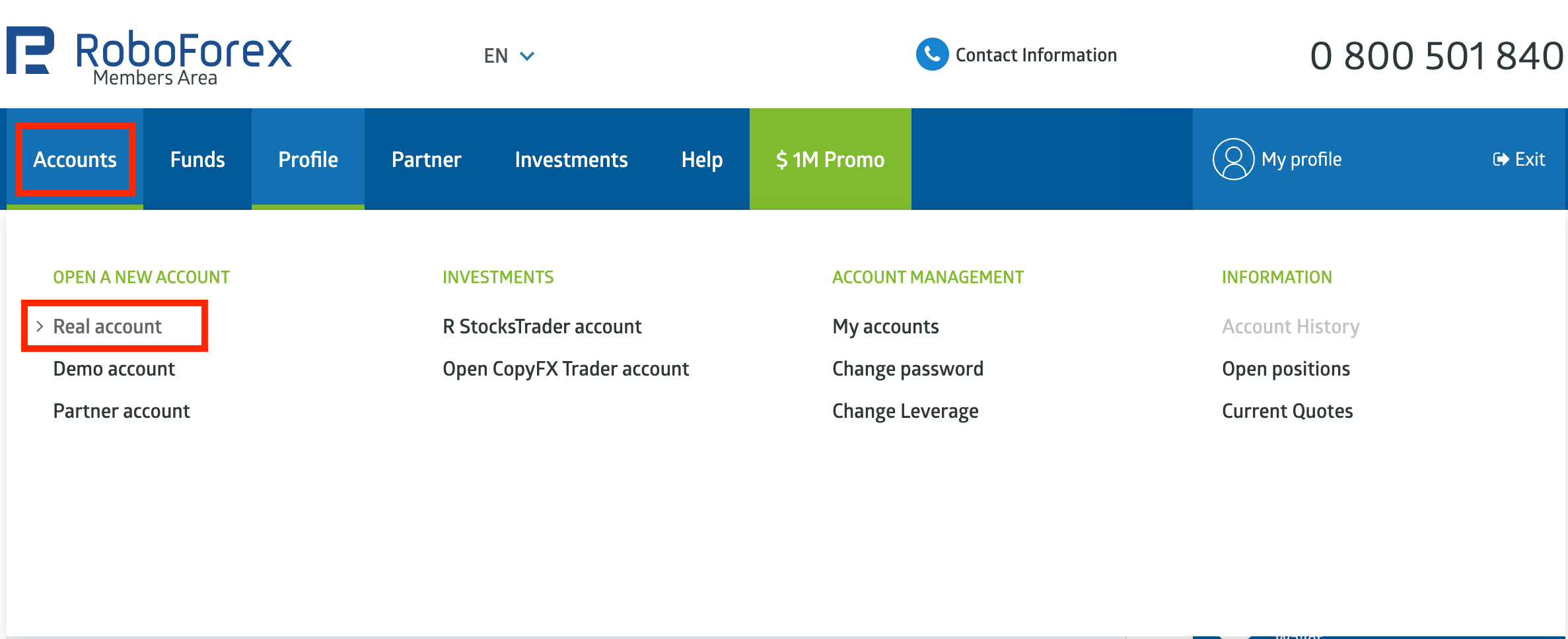
- Go to the "Accounts" tab.
- Click on the "Real account" under "Open a new account".
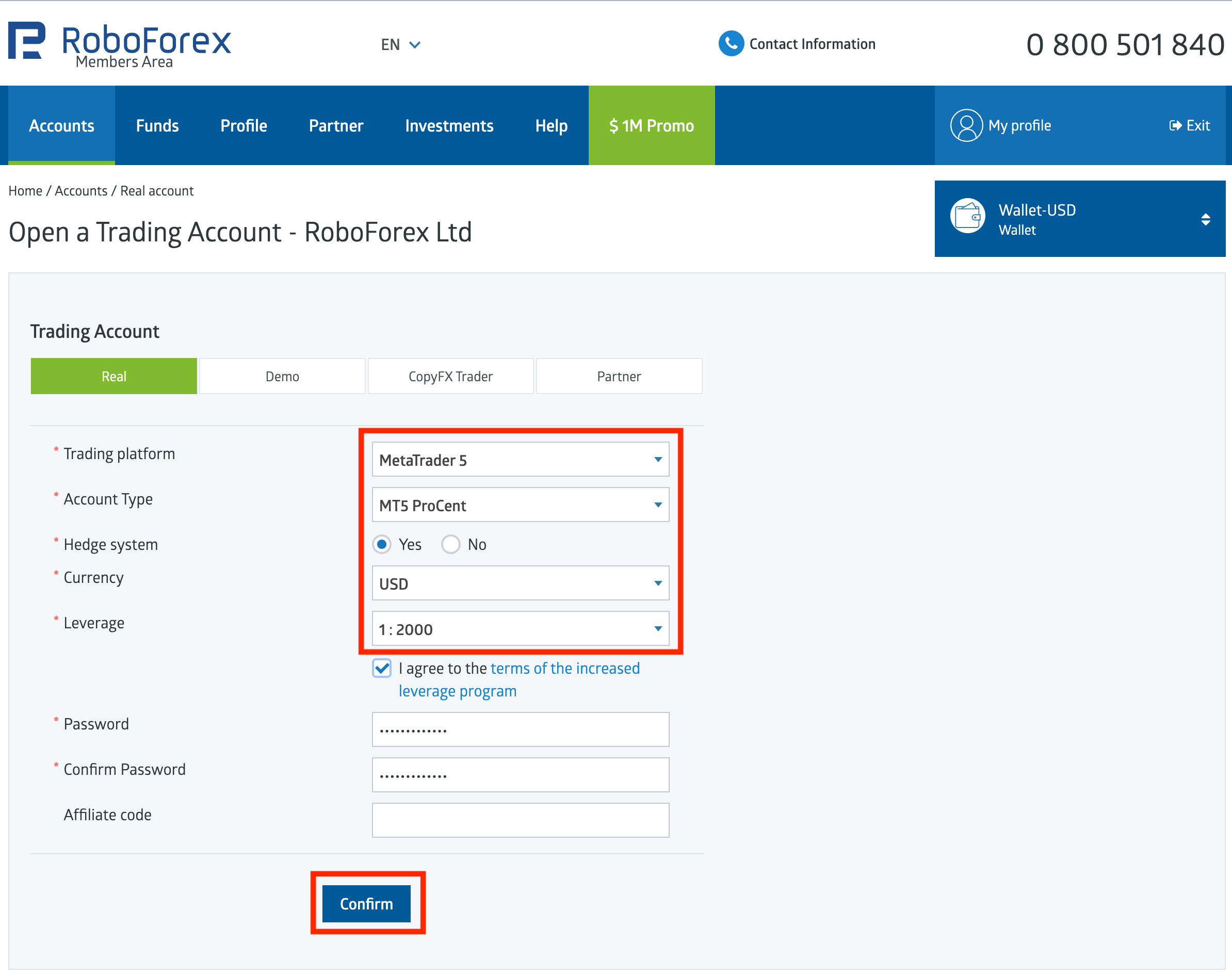
- Fill out the form with the following details:
- Trading platform: MetaTrader 5
- Account type: MT5 ProCent
- Hedge system: Yes
- Currency: USD
- Leverage: 1:2000
- Tick the checkbox to agree to the terms.
- Create a password to your trading account and repeat it on the next line.
- You can write the affiliate code of your partner on the last line if you haven't registered on RoboForex via your partner's link.
- Click the "Confirm" button.
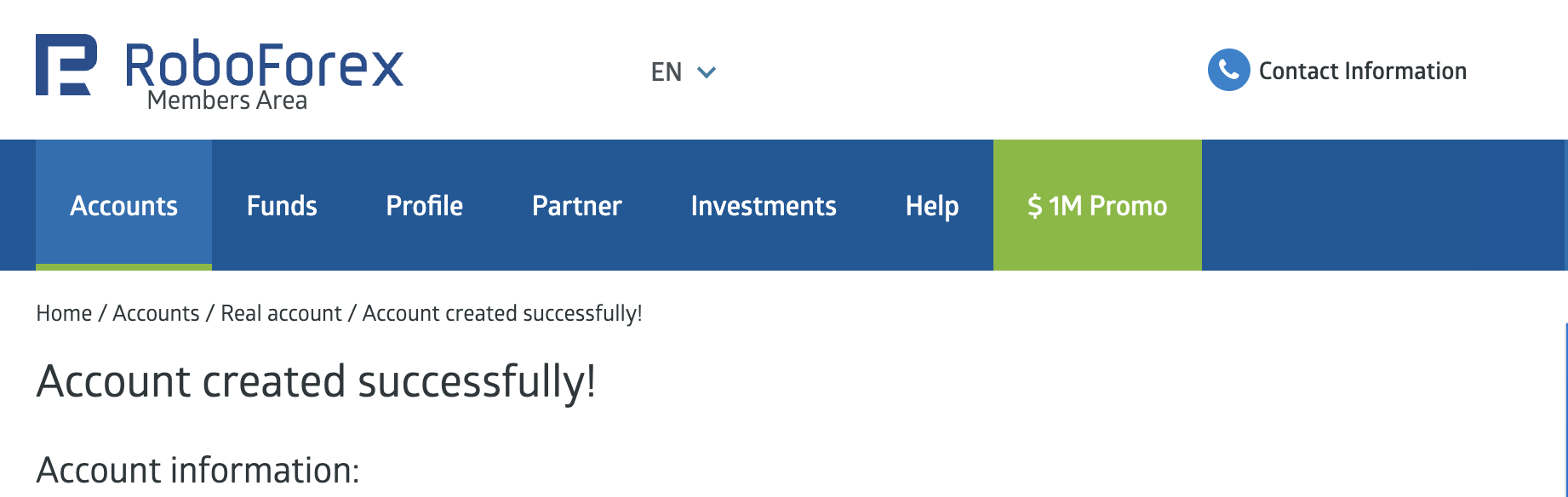
You will see the screen with account creation confirmation and the information about your newly opened account.